

![[Valid RSS]](http://maniek86.xyz/cmsesus/uploads/image/valid-rss-rogers.png "Validate my RSS feed")

M8SBC-486: Windows 95
[Go back to the main page of this project] [Previous part]
Intro
Similar to MS-DOS and Windows 3.1, I never expected Windows 95 to run on the M8SBC-486. In theory, the board meets the minimum requirements for Windows 95 (a 386-class CPU and 4 MB of RAM), but the missing second PIC and DMA are still the biggest problems. My attempts to run stock Windows 95 were unsuccessful: the setup ran until the end of the first boot, then crashed. The preinstalled image of Windows suffered the same fate (crash on boot). These missing elements are hard to ignore, especially since they are assumed to be present in the OS source code.
Windows 95 on the Intel Inboard/386
In August 2026, I stumbled upon a Reddit post about Windows 95 running on an Intel Inboard/386 in a 5160 XT. It's an ISA processor upgrade card for IBM PC/AT/XT computers with an original 8088 CPU that upgrades them to a 386. But what does the Intel Inboard/386 have to do with my project? After reading the post, I noticed a mention of the missing second PIC. I immediately thought of my board (M8SBC-486 could actually be referred to as a 486 XT). The author, u/Mike1978uk, modified the Windows 95 OSR1 code to eliminate the hardcoded references to the second PIC so that it could run on his platform. He also published the source code and images on GitHub. This gave me hope that Windows 95 might actually run.
Before trying it, I was concerned about the missing DMA and disk access. Normally, 32-bit disk access in Windows requires IDE interrupt #14, which is present on the missing second PIC. Ultimately, I assumed it wouldn't be an issue because Reddit post screenshots showed that the disk driver was running in legacy mode. This mode relies on BIOS disk interrupts and my BIOS disk interrupts use PIO disk access without interrupts.
So, I got to work. I decided to modify the existing image rather than compile everything from source. I downloaded the 2 GB image from the first release. My modifications are as follows:
- Image downsizing from 2 GB to 500 MB (my BIOS interrupts could not support larger drives).
- Removing Inboard/386 specific things.
- Adding the QEMM 7.5 memory extender (copied from another M8SBC-486 DOS image, where it was installed for testing). At the time of writing, QEMM is more stable on my board than the original DOS HIMEM.
- I also tried to restore the original keyboard driver, but I'm unsure if I succeeded. My board has a PS/2 keyboard controller, which XTs don't have and the Windows 95 mod is patched for it (spoiler: the keyboard ended up working fine).
I first booted the prepared image in my custom 86Box build with the M8SBC-486 board added to it. It has the same limitations as the board. It booted fine! I could even use a serial mouse.
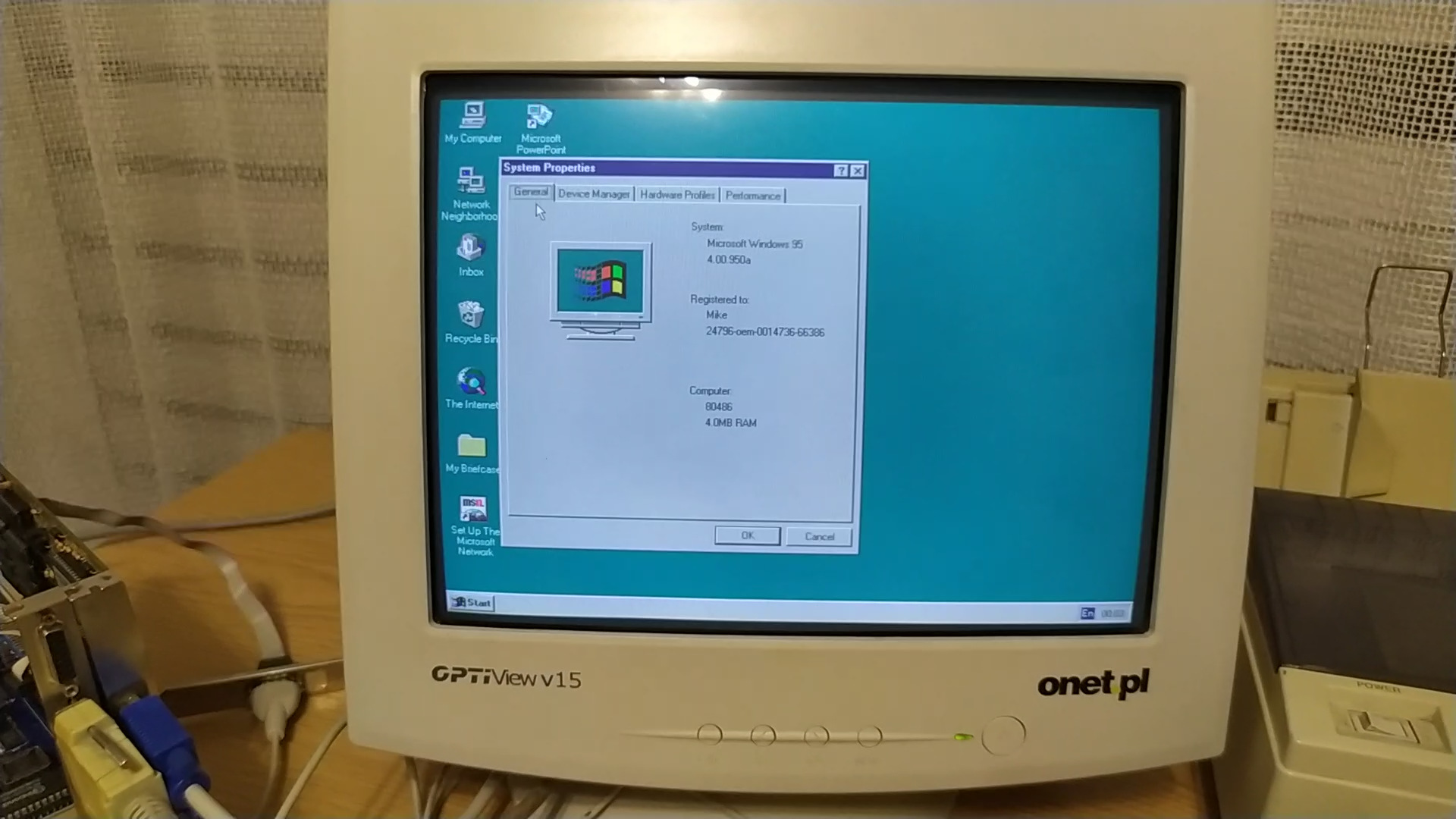
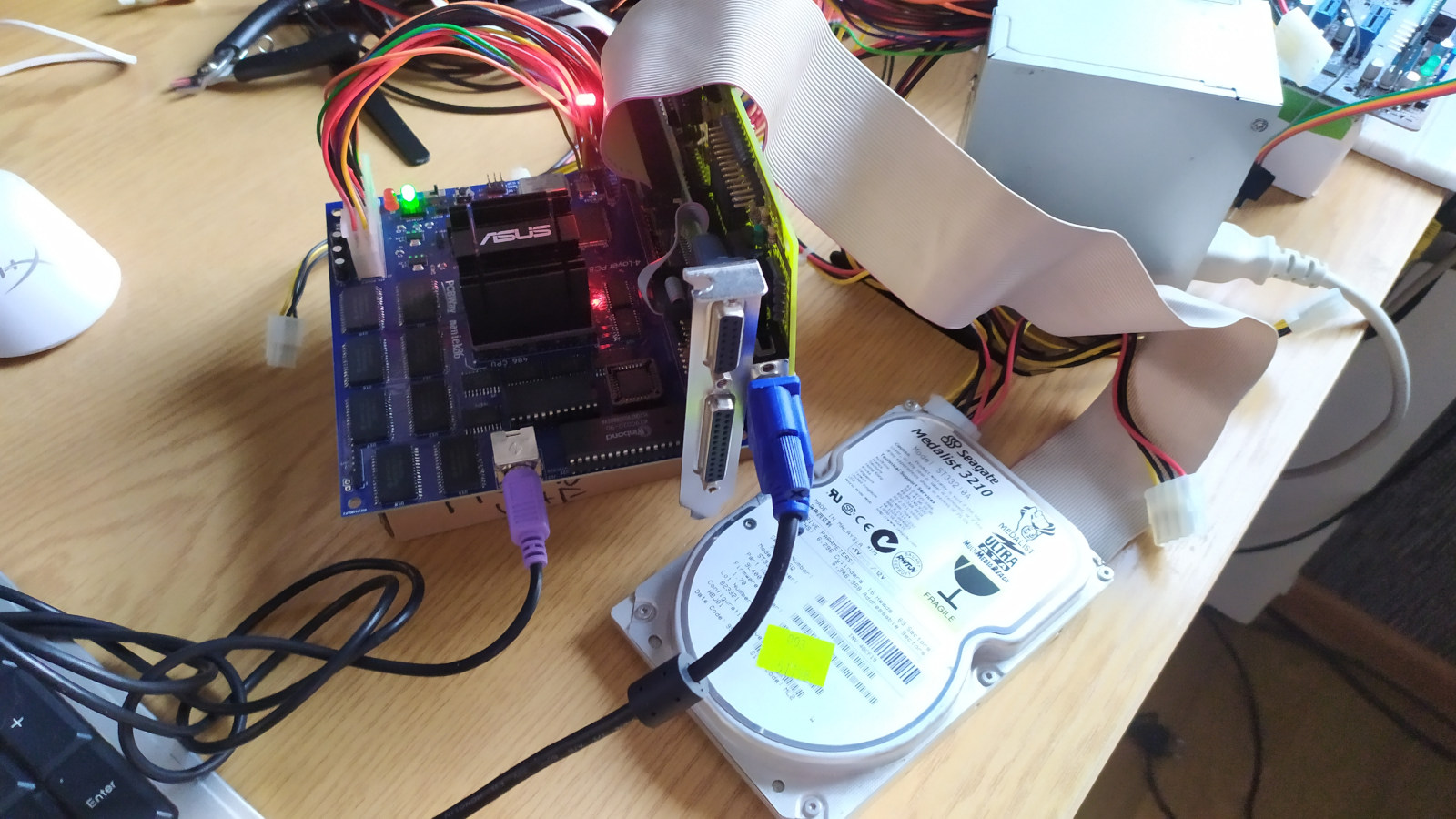
The final moment had come: Would it boot on the M8SBC-486? I flashed the image onto the HDD, turned on the power and, to my surprise, it booted!
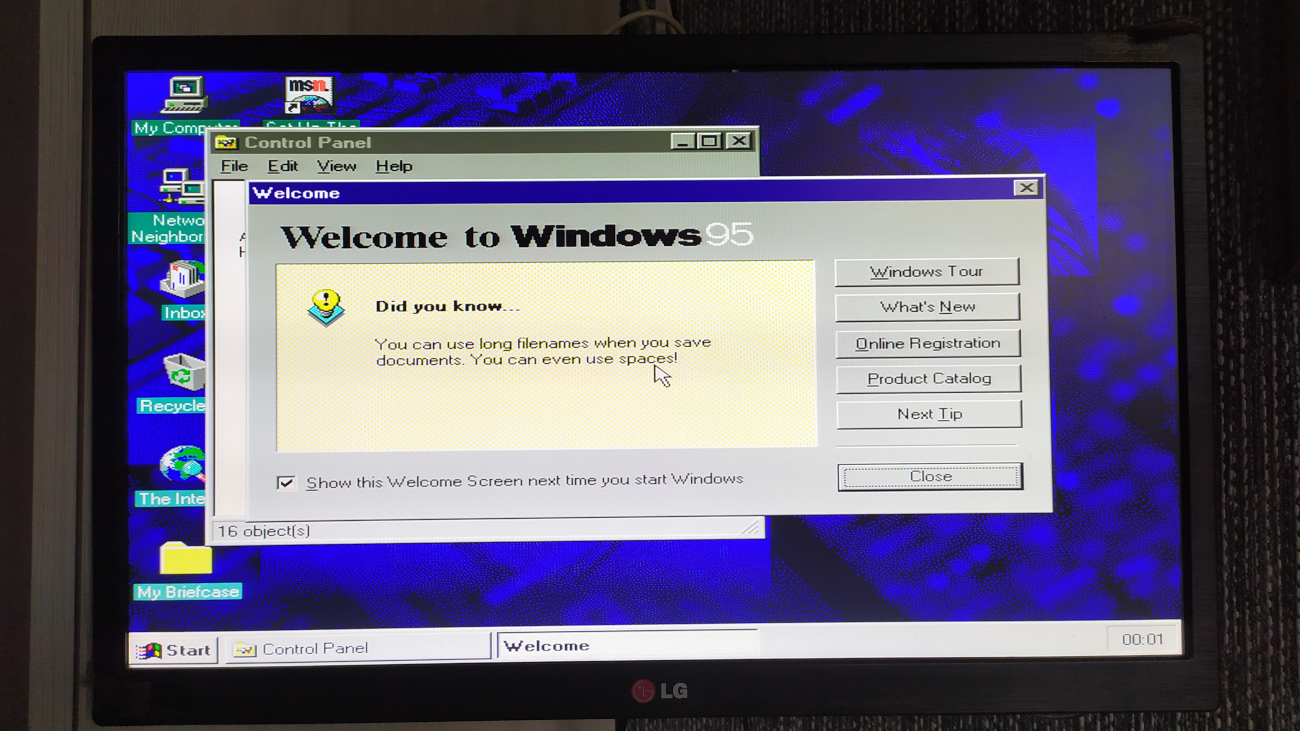
With that first boot, I successfully opened and used a few Windows built-in apps: System properties, Paint and Minesweeper.
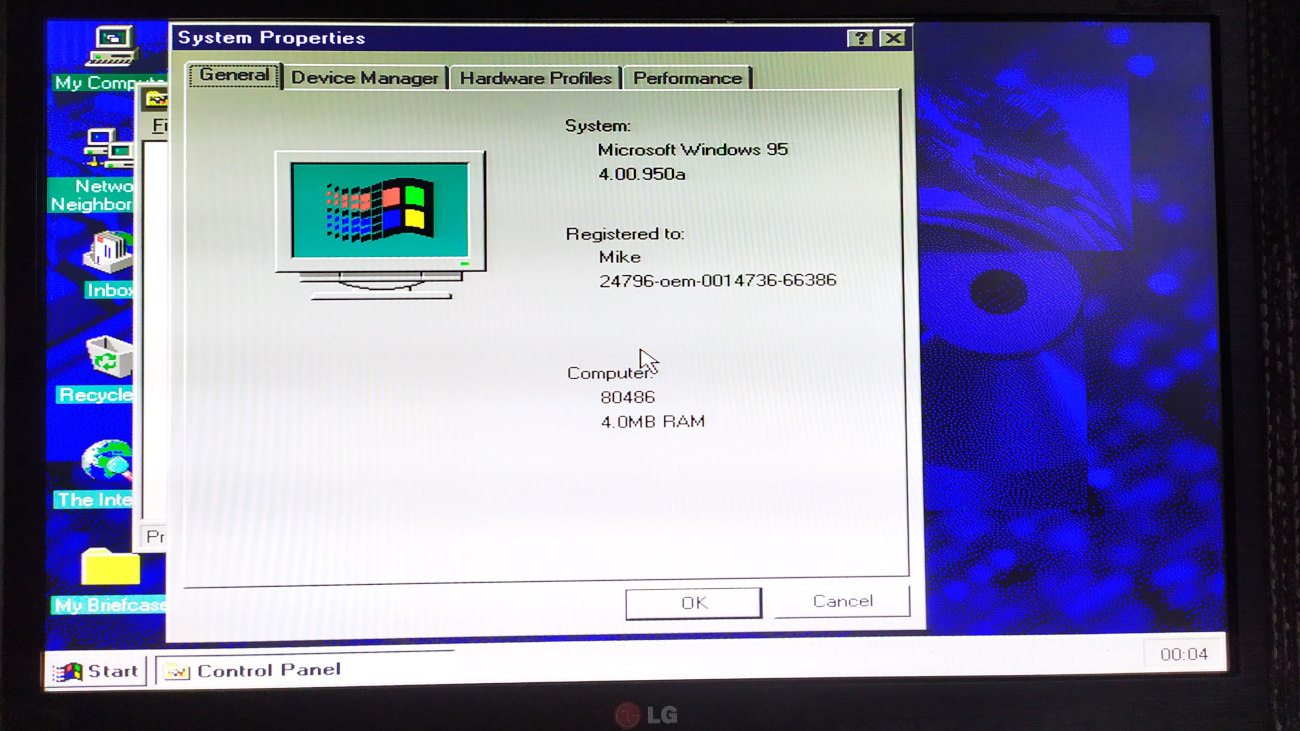
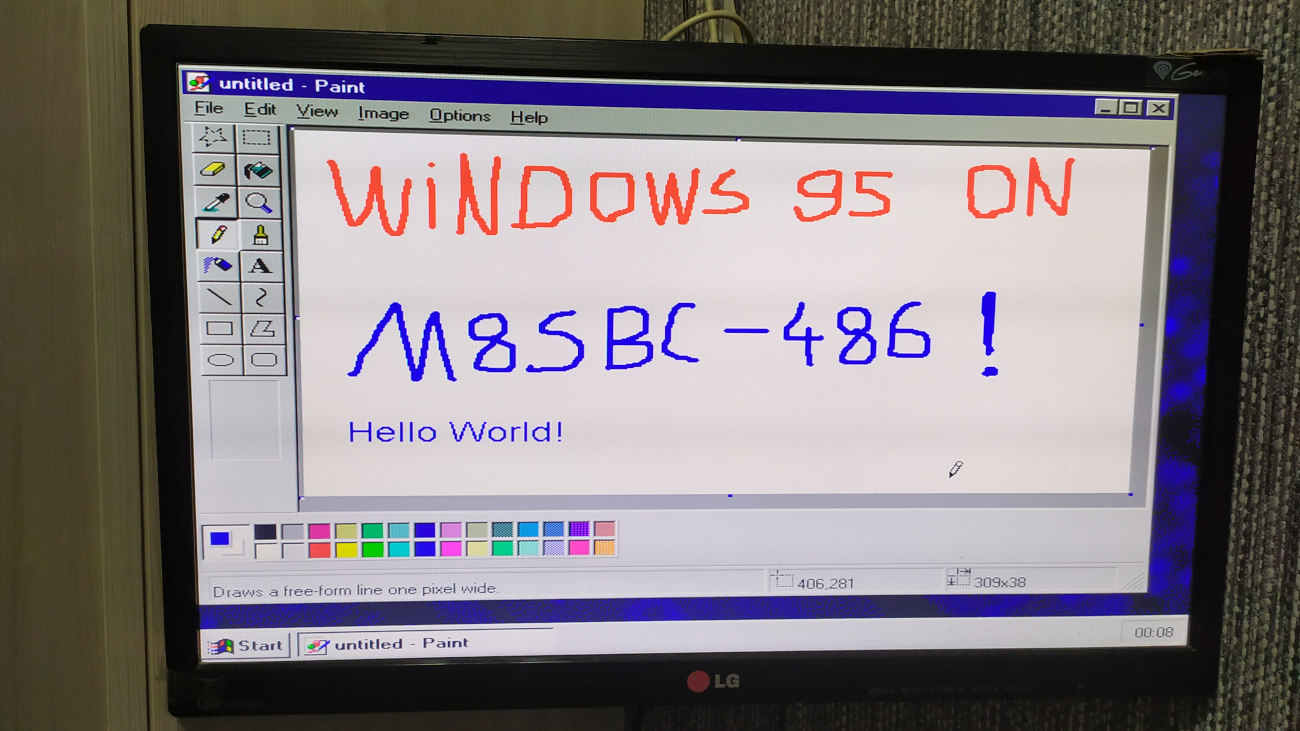
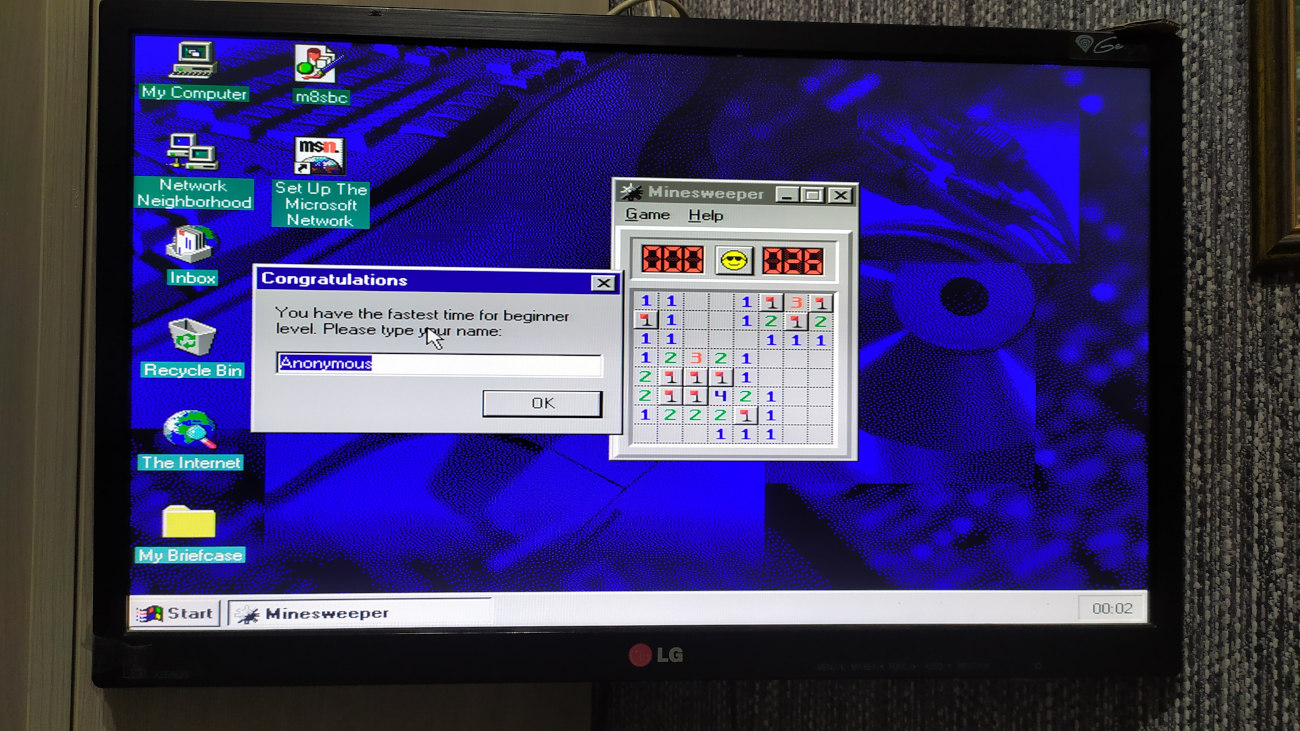
Windows 95 on the M8SBC-486
Although I managed to boot Windows 95 on the M8SBC-486, I quickly ran into nasty problems. Apps and Windows itself tended to crash and freeze. One thing I noticed during these crashes was that the HDD LED was constantly lit, as if there were a problem with the BIOS disk subsystem. In fact after digging in, I found that this was the problem! Windows 95 generally likes to swap a lot on such low-memory hardware. My BIOS interrupts were buggy and corrupted the registers. This caused data corruption, then memory corruption due to swapping and even file system corruption. I decided to rewrite the BIOS disk subsystem. Within a few hours and with the help of AI to find edge case bugs, I had something more complete than the previous implementation. (In the context of versions, the described fixes are present in BIOS 2.03, while the buggy implementation is in 2.02 and previous versions). The rewrite sped up disk access and finally stopped corrupting CompactFlash cards (DOS could finally boot from CFs). There are still some compatibility bugs. For example, some CF cards still refuse to work. And two extra neat things: I added slave disk support and I implemented the CHS-to-LBA transaction. Now, DOS can finally use more than 528 MiB!
Returning to the topic of Windows 95, after fixing the BIOS disk subsystem, the system finally became stable. I decided to switch from QEMM to the original HIMEM, but I quickly switched back when I found out that HIMEM was unstable with Windows 95 and was corrupting memory. The system's speed is not great, but it's not the worst either.
Here's a list of things I've tested that work successfully after fixing major issues:
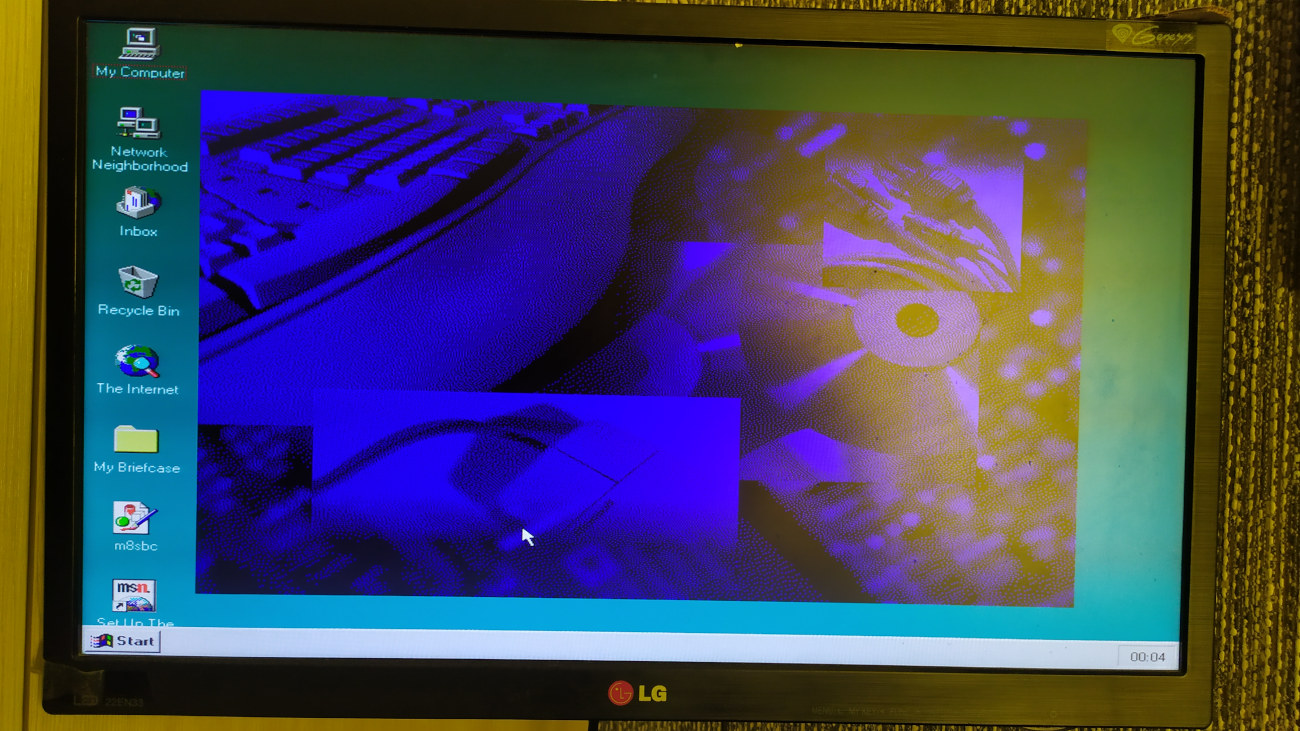
- Graphics card drivers (larger screen resolution and more colors) - I tested the Trident driver with the TVGA8900 and the TVGA9000 and it worked fine. I experienced some issues with the Tseng ET4000 driver, but apart from that, the Trident driver shows that this configuration supports larger resolutions and graphics drivers! The photo below shows 800x600 at 256 colors.
- The built-in NE2000 driver and Internet Explorer - with the ISA riser trick mentioned in the previous part, I can plug in more than two ISA cards into the M8SBC-486. I wanted to check if the networking would work. The Windows 95 image from Mike1978uk is neat because it includes a copy of the installation files, so installing extra Windows components or built-in drivers is hassle free. There's no need for media, such as discs. As of the time of writing, my BIOS doesn't support optical drives anyway. After manually configuring the NE2000 driver and installing TCP/IP components, I was able to ping the Internet. Later, I opened Internet Explorer and loaded my retro website. It's still insane stuff for me. In terms of speed, it feels marginally less usable, but this is to be expected from a machine with 4 MB of RAM.
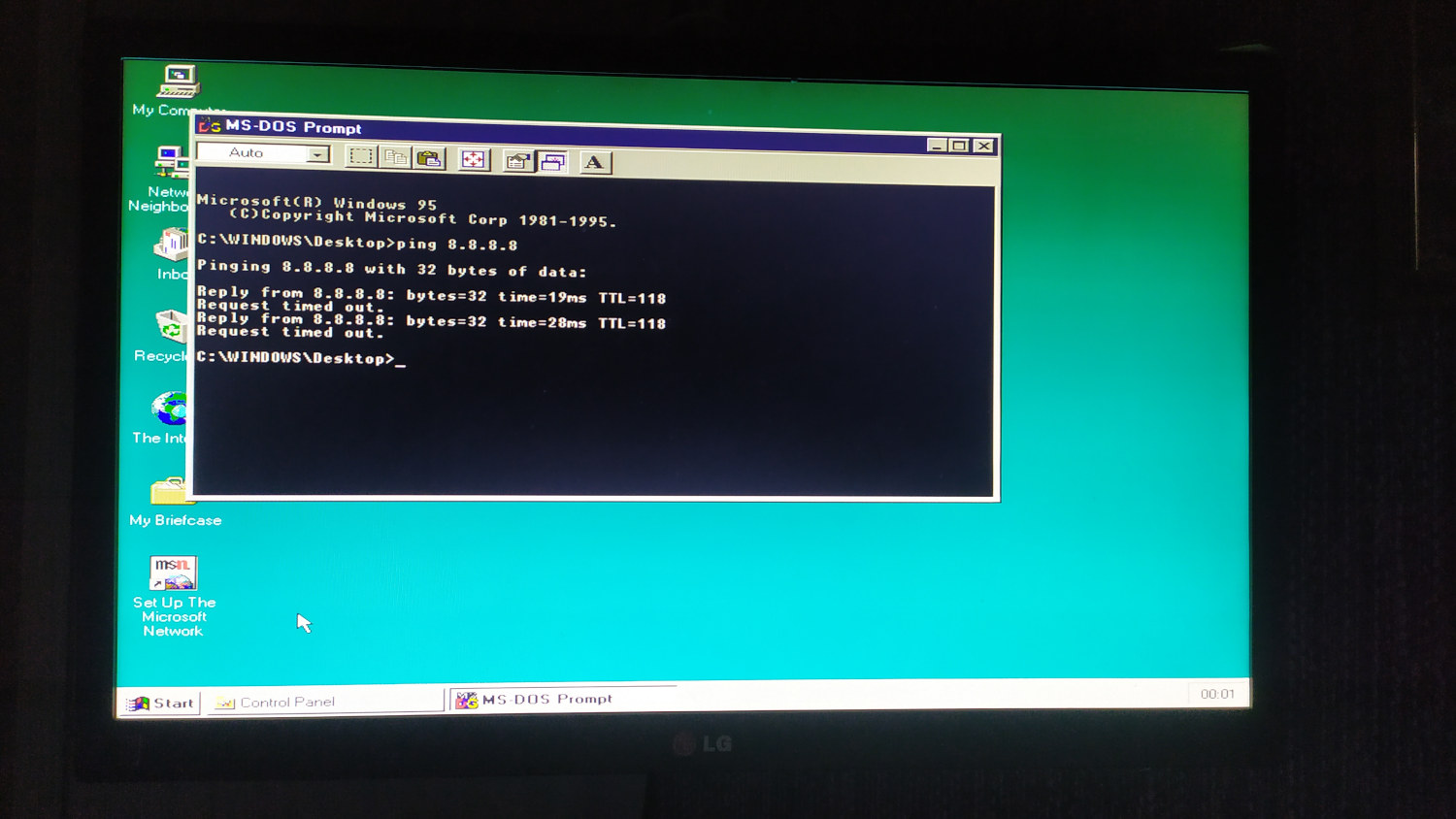
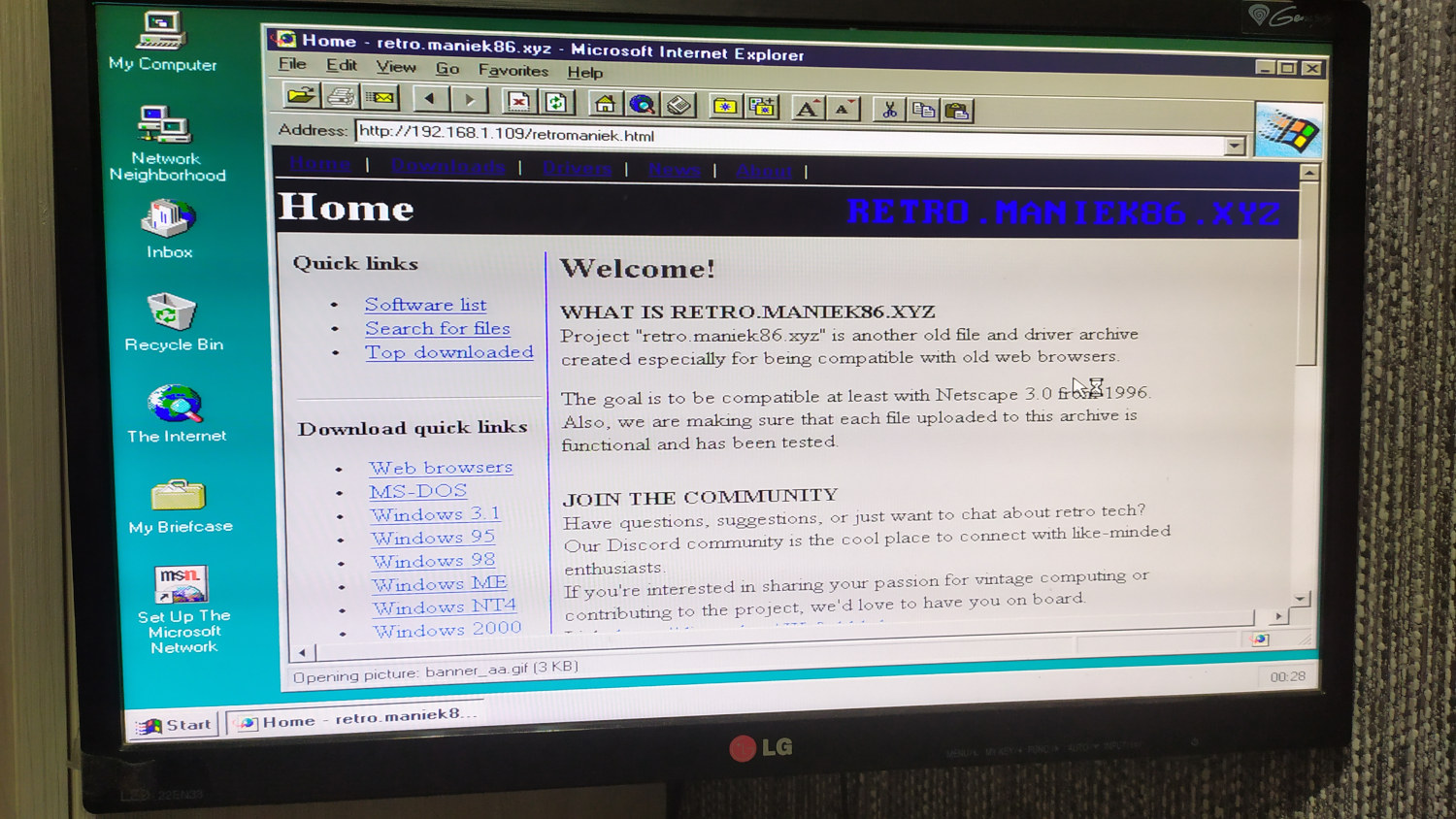
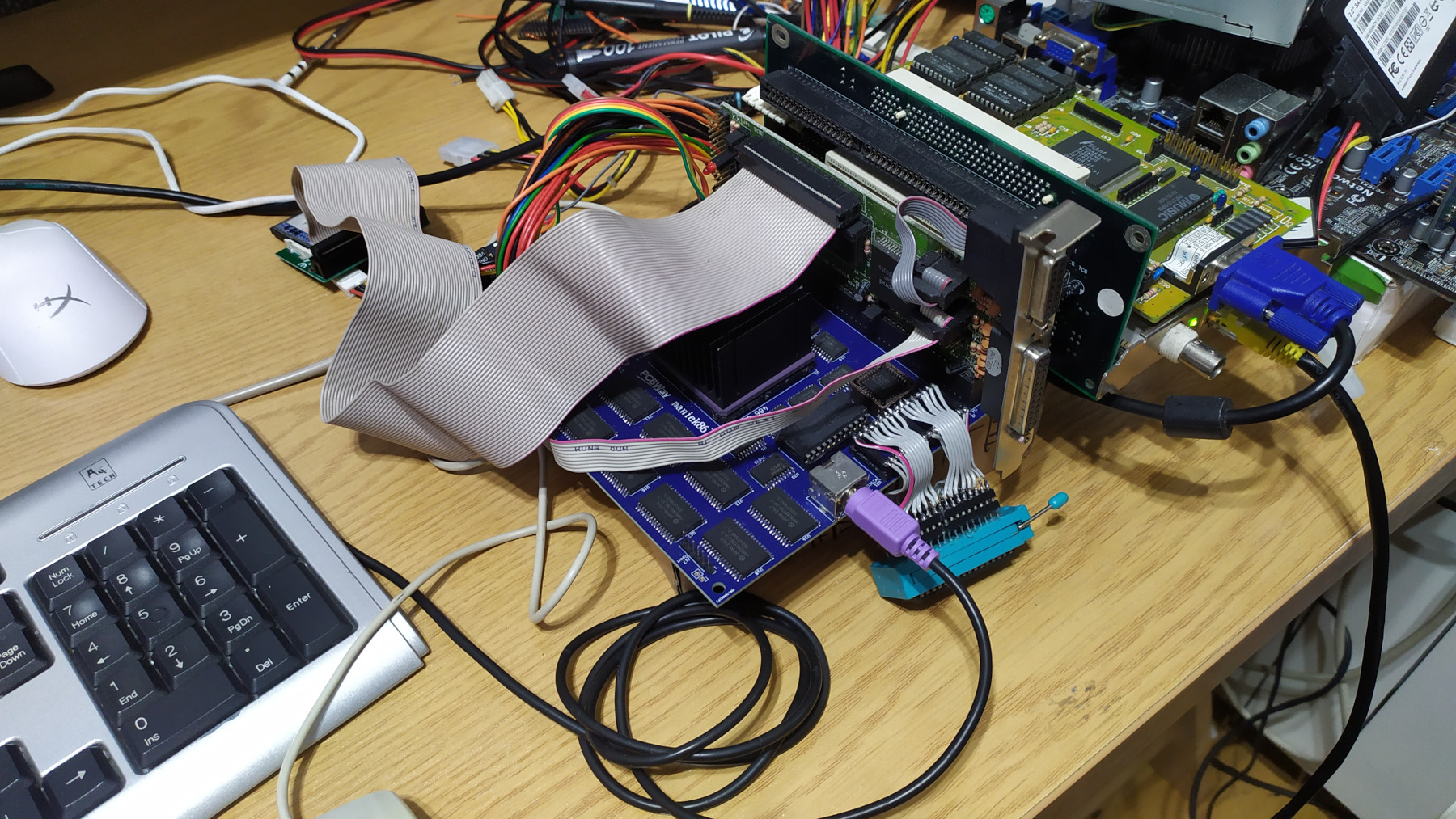
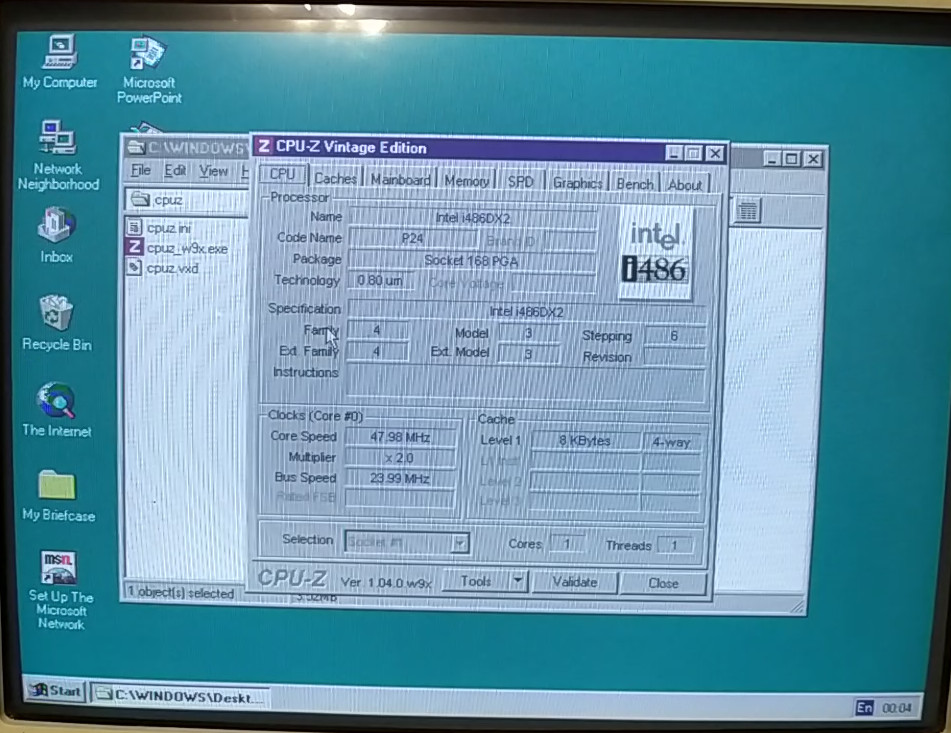
- Lightweight system utilities - software that isn't heavy works fine. One example is the CPU-Z Vintage edition, which successfully starts and detects the installed 486 CPU and the 48 MHz bus speed. There isn't anything else to show from CPU-Z as my BIOS lacks identification features. It might be more interesting if I implement these one day. In the "Bench" tab, the board achieves 32.9 points for CPU speed and about 110 points for FPU speed. I also tested other utilities, such as AIDA32, but it ran terribly with so little RAM. I also tried to install early versions of Notepad++ and 7-Zip, but they failed to launch after installation due to missing libraries, which was probably to be expected with such an early version of Windows 95. I might work on this later to try to fix it and get more software working.
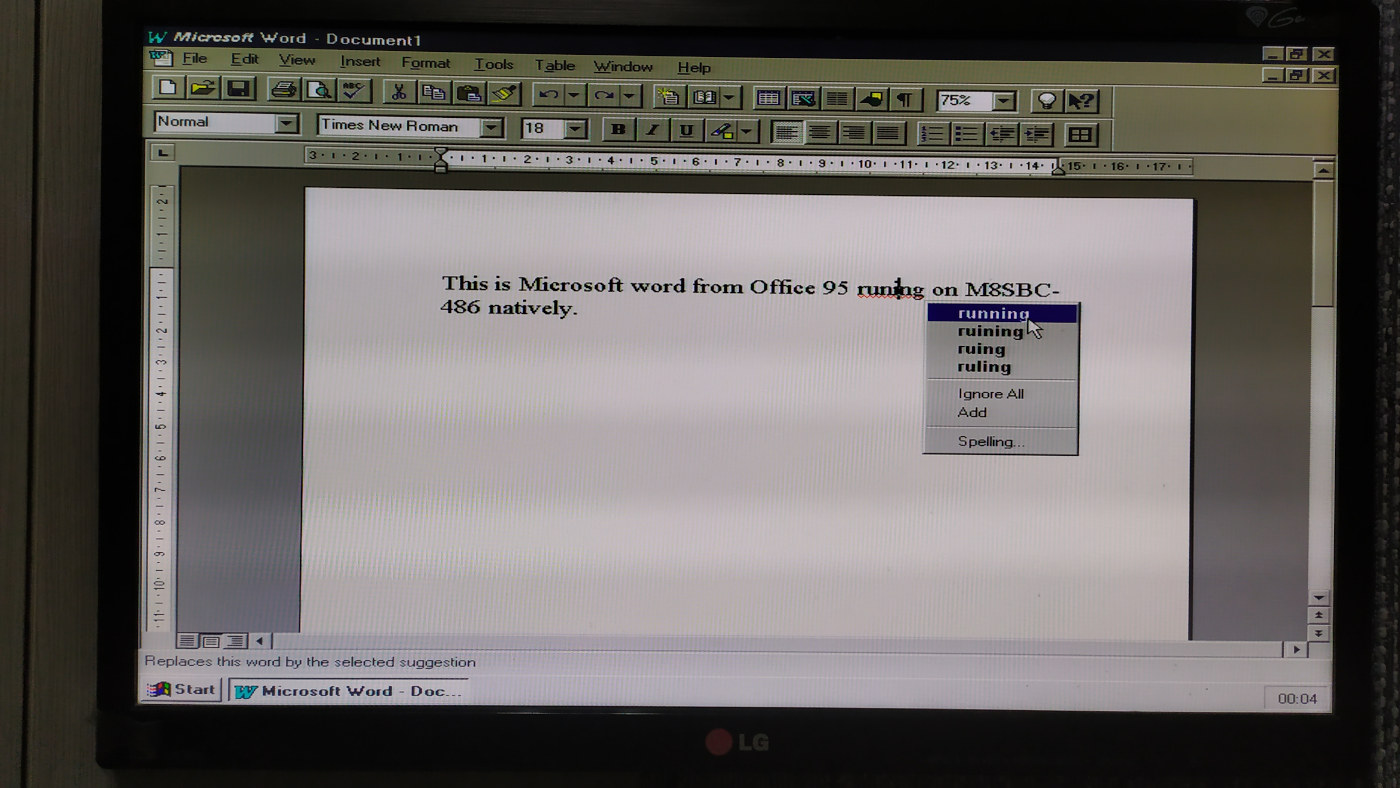
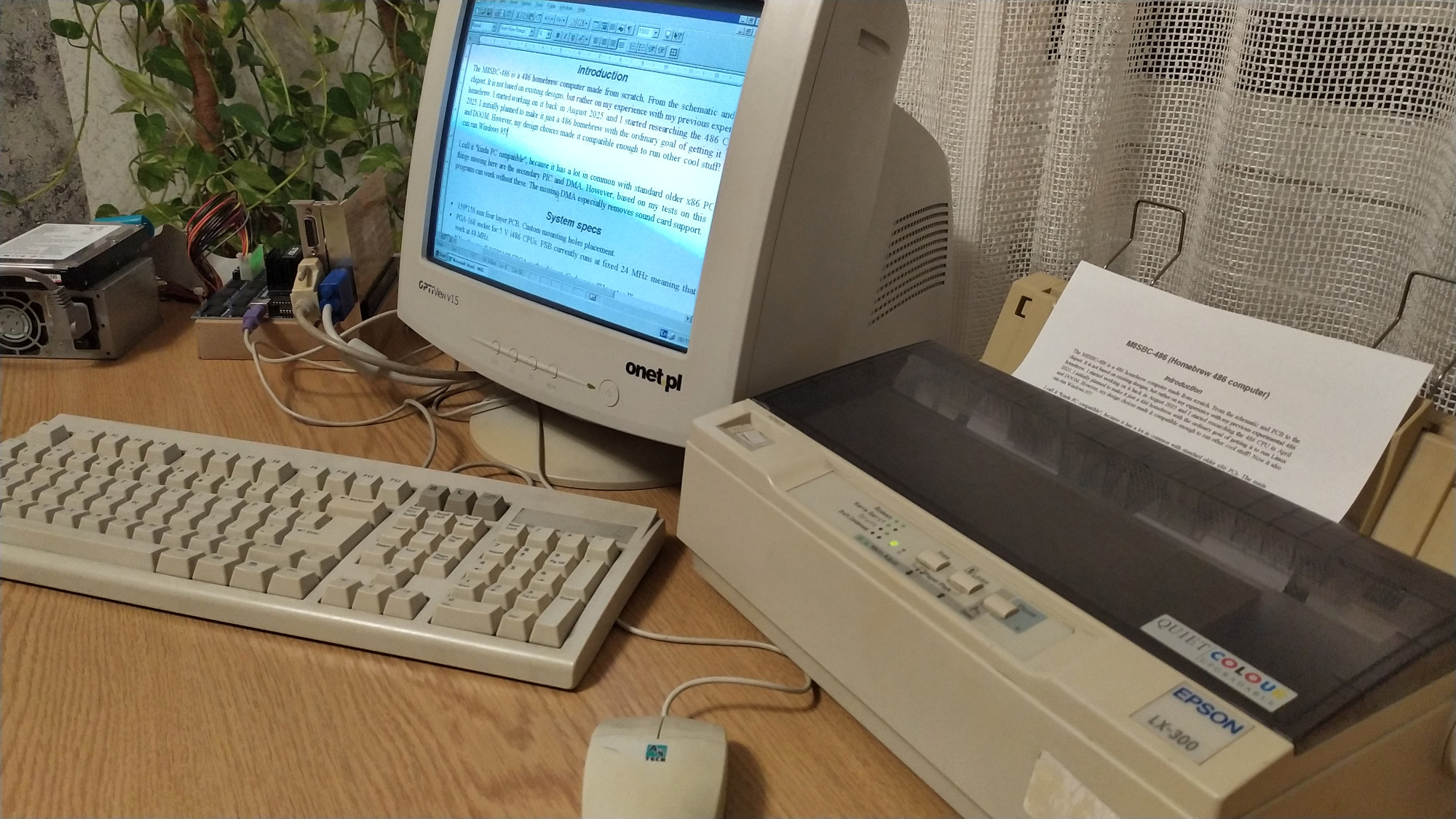
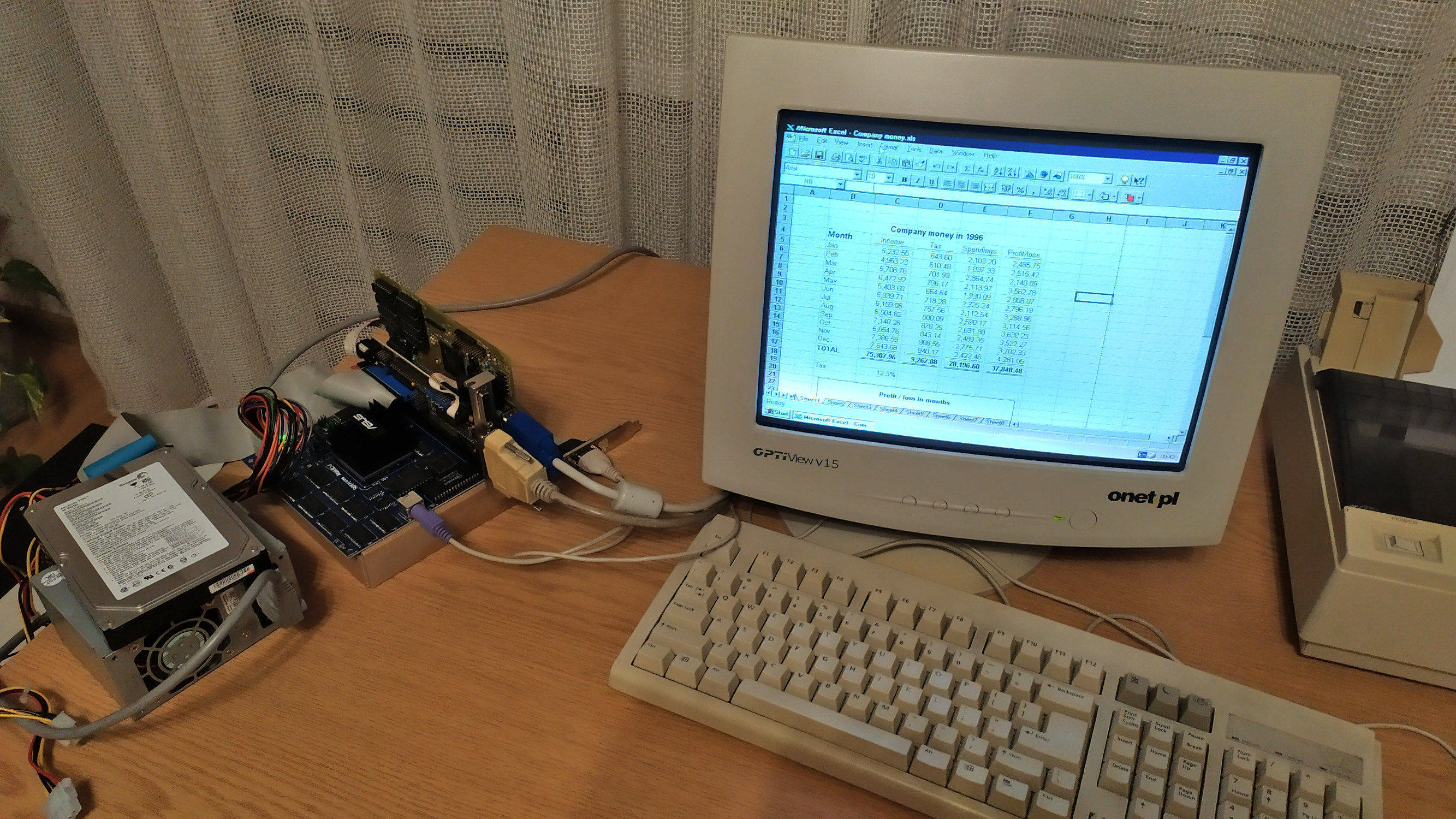
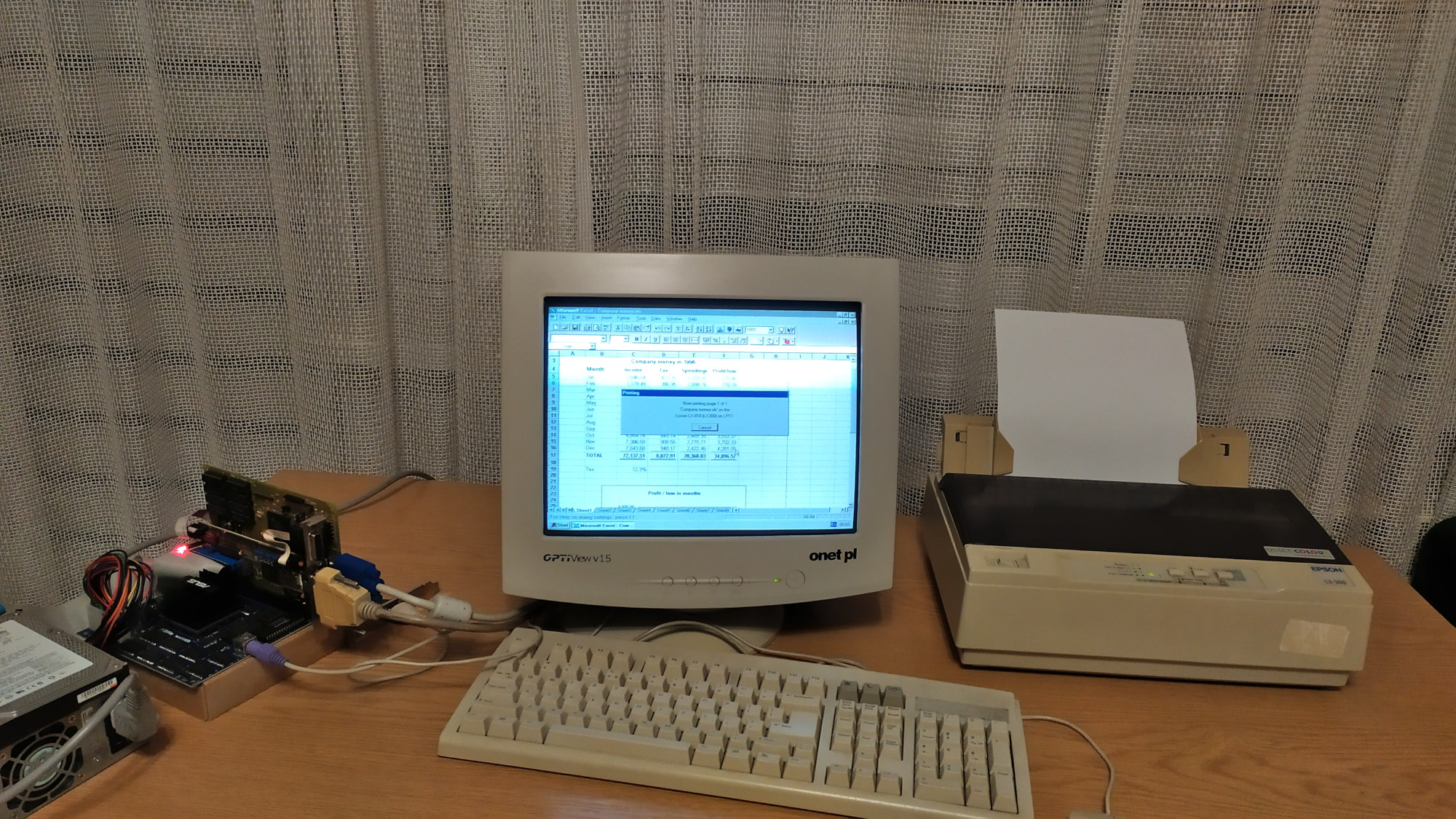
- Microsoft Office 95 and printers - this is one thing that makes this homebrew feel like an actual PC. I'll say it again: I never dreamed this homebrew would run MS-DOS, Windows 3.1, let alone Microsoft Office with Windows 95! I extracted the Office 95 installation floppies and copied them onto the hard drive (using a USB-IDE adapter). Then I installed them from the system. The installation took about 30 minutes without a single issue. After it was finished, I had a perfectly functional Microsoft Office. It was a bit slow, but otherwise perfectly usable. I tested Microsoft Word and Excel at the time of writing and even managed to print from them! Regarding printing: I have an old Epson LX-300 dot-matrix printer that still works. Although Windows 95 does not have a built-in driver for this particular printer, it is fully compatible with the LX-810, for which a driver is available. After installing the LX-810 driver (which also went smoothly), I was able to print pages from the M8SBC-486. Amazing!
Once again, huge thanks to Mike1978uk for his win95-intel-inboard-386pc project. It was the final unexpected piece needed for the M8SBC-486 to run Windows 95.
More sources, as well as a ready to download and to run image, will be available soon. I'm working on an assembly and operation page for those who want to experiment with the M8SBC-486. If you want to build and use this board, keep in mind that this is an experimental computer project, not a finished product, so I don't provide any warranty - you're mostly on your own!
More coming soon
Last updated: 07/10/2026